Fighting Stance Pose Generator
Upload your character and get a ready-to-strike fighting stance.
Fighting stance
Your character appears here.

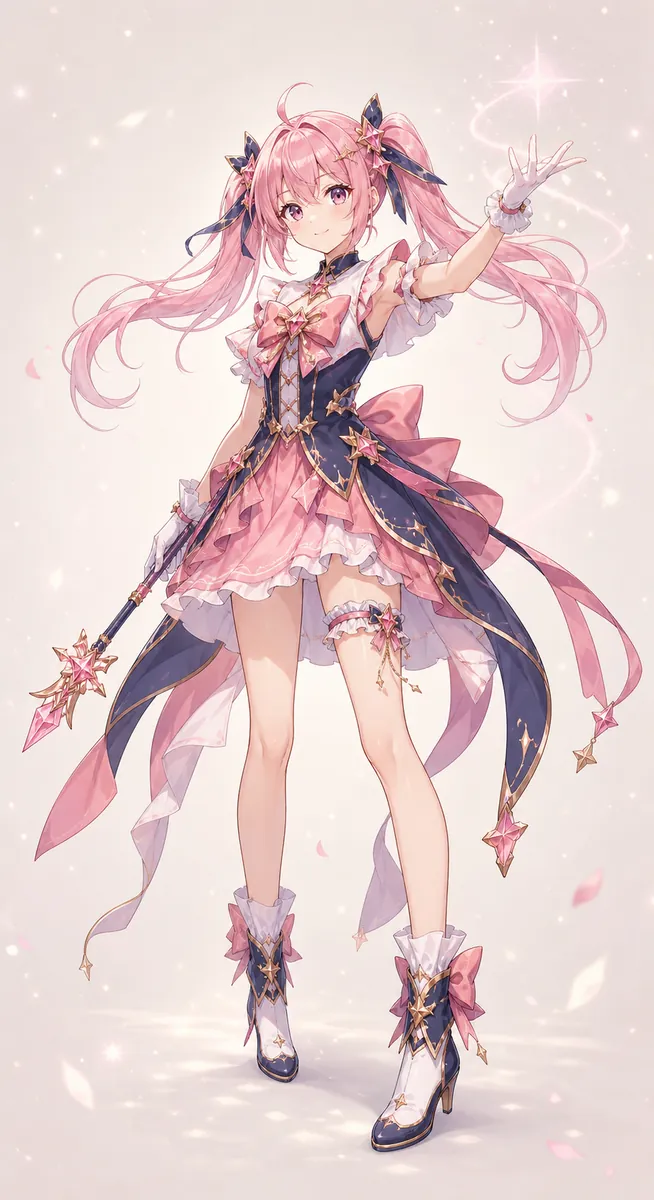
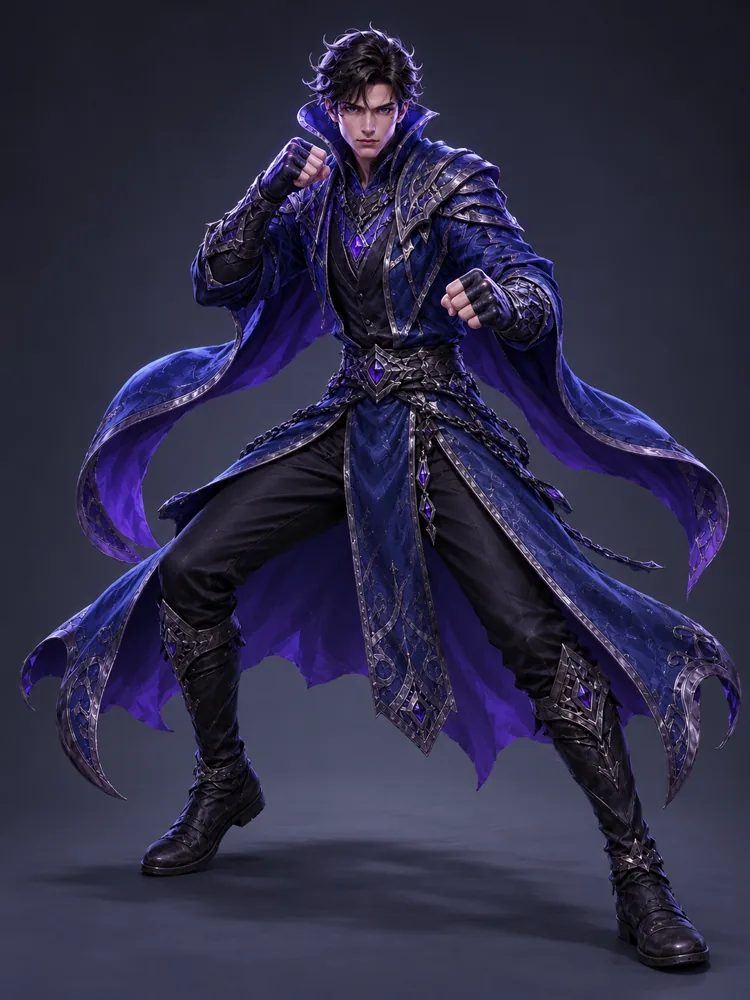
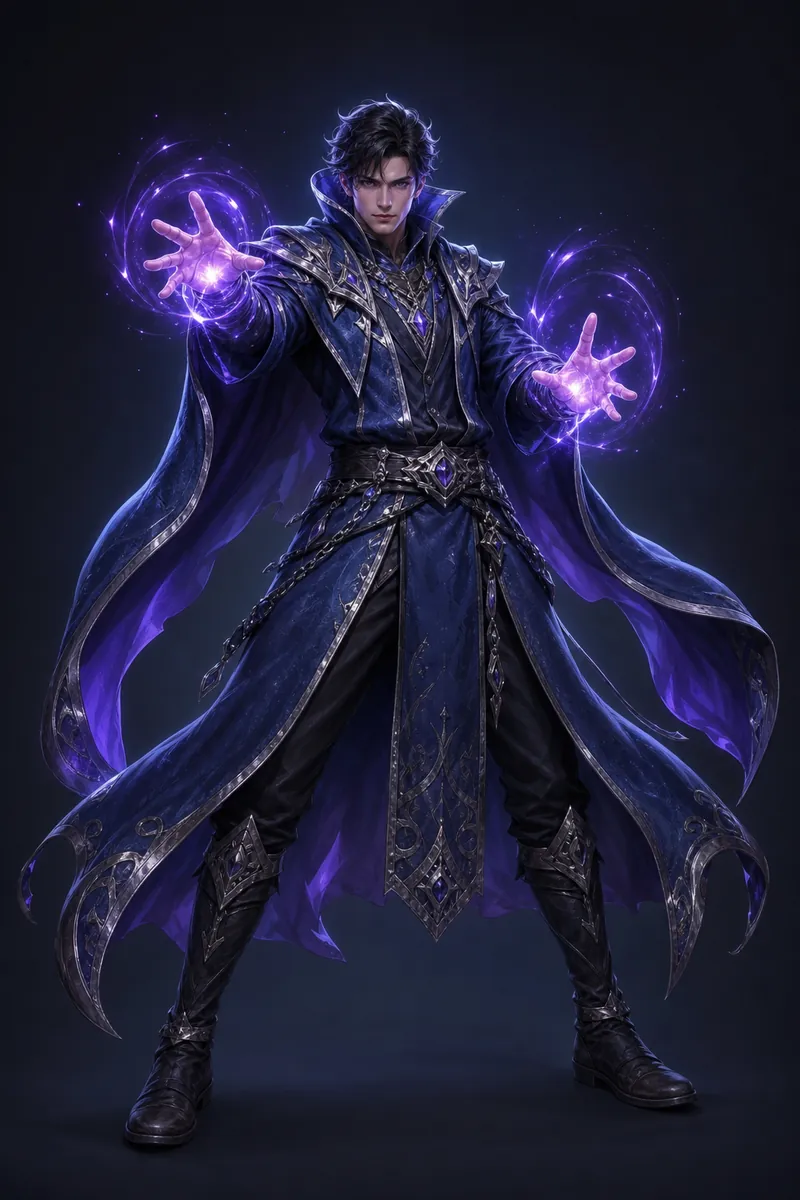
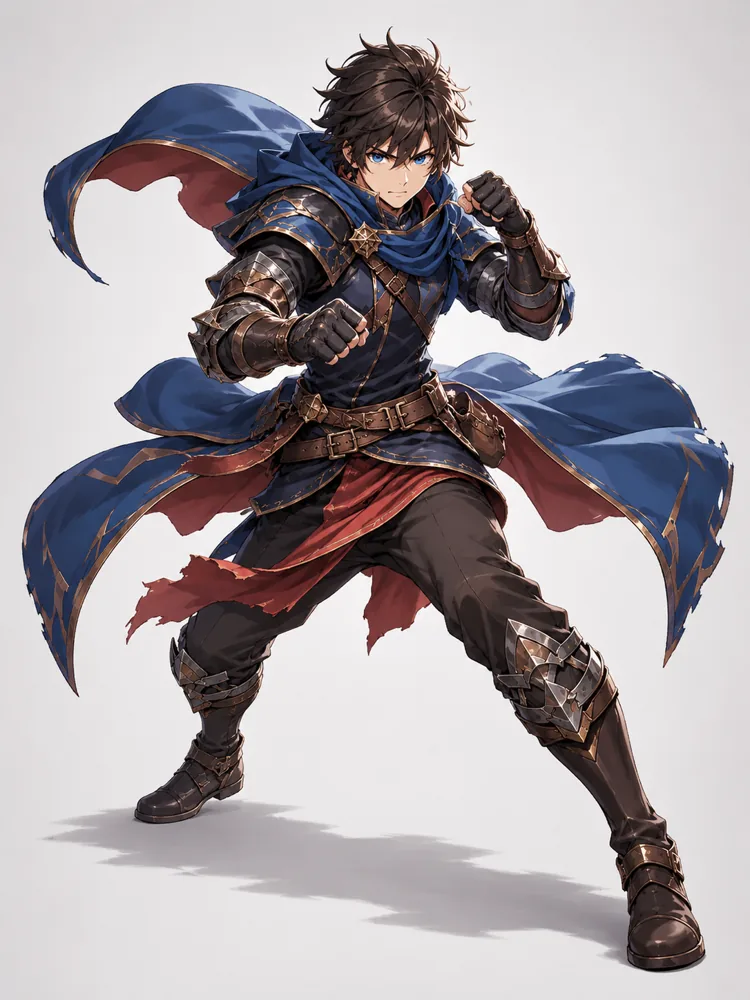
Upload, then one click
The description is ready. Add your character and press Generate.
Fighting stance
Fighting Stance Pose Generator
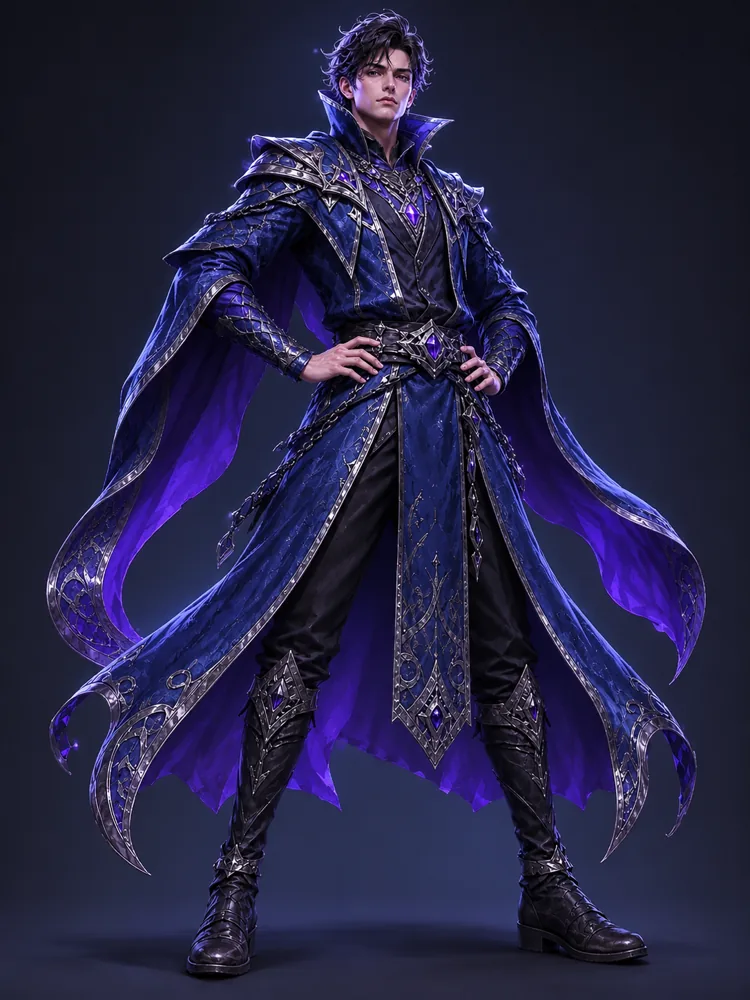
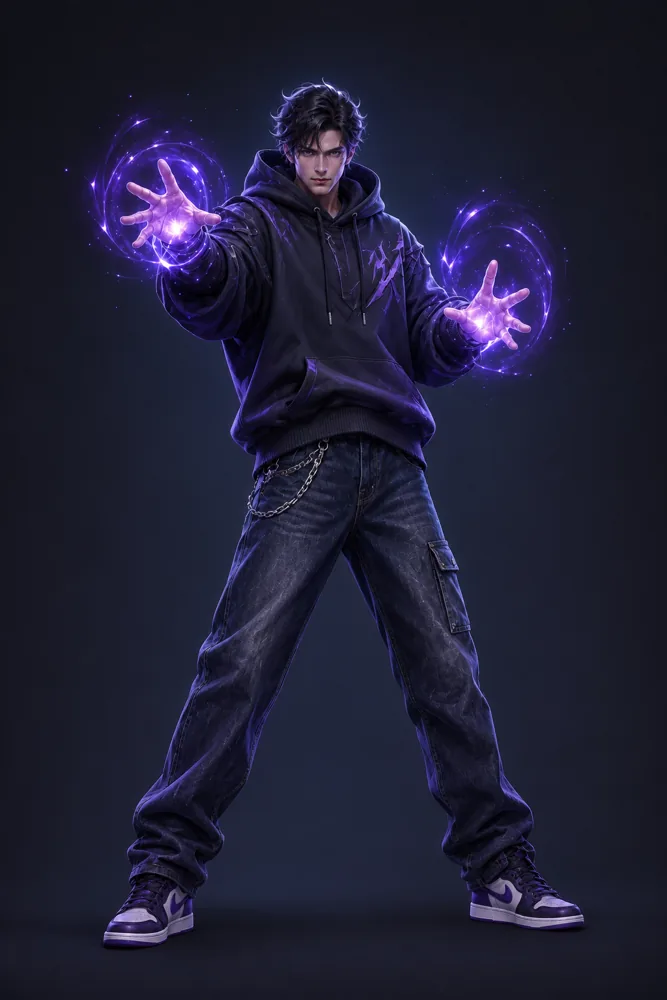
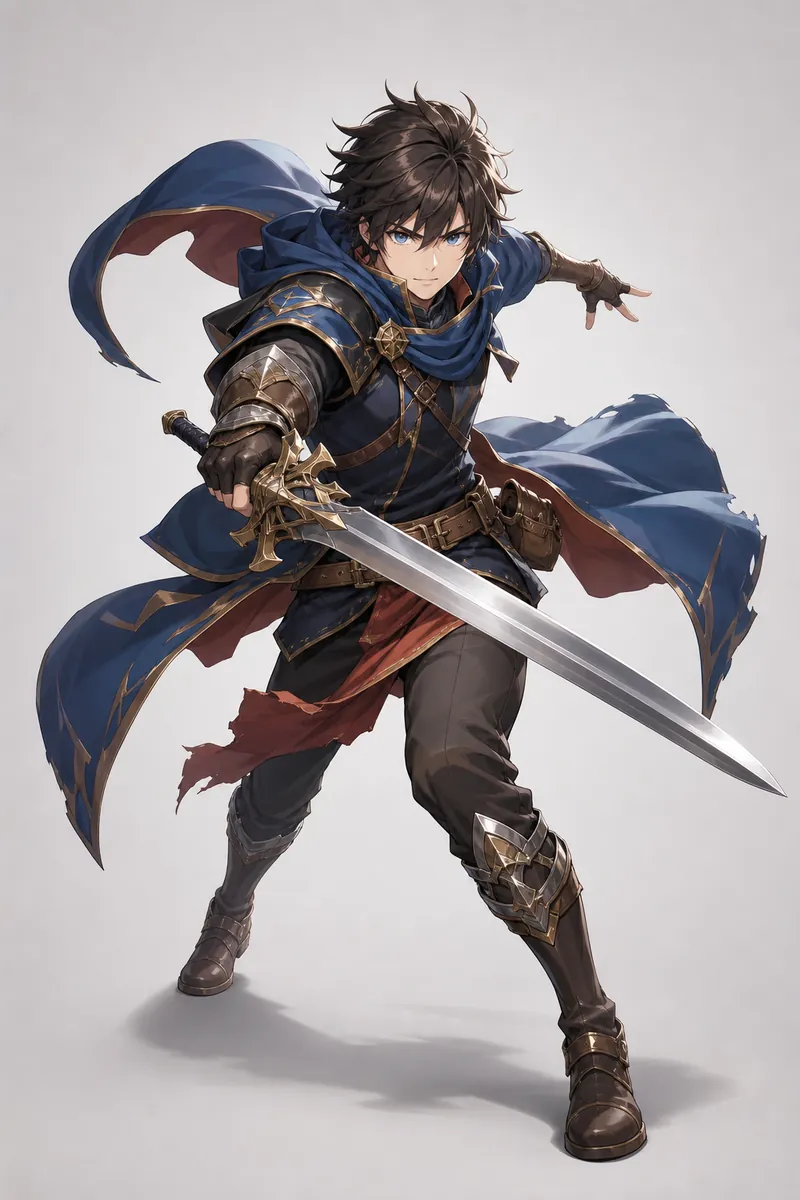
Action poses fall apart when the weight is wrong. This template redraws your character in a grounded fighting stance, with bent knees and a raised guard, so the pose looks like it could move.
Best for
Upload your character and get a ready-to-strike fighting stance.
How the fighting stance template works
Action poses fall apart when the weight is wrong. This template redraws your character in a grounded fighting stance, with bent knees and a raised guard, so the pose looks like it could move.
Upload your character
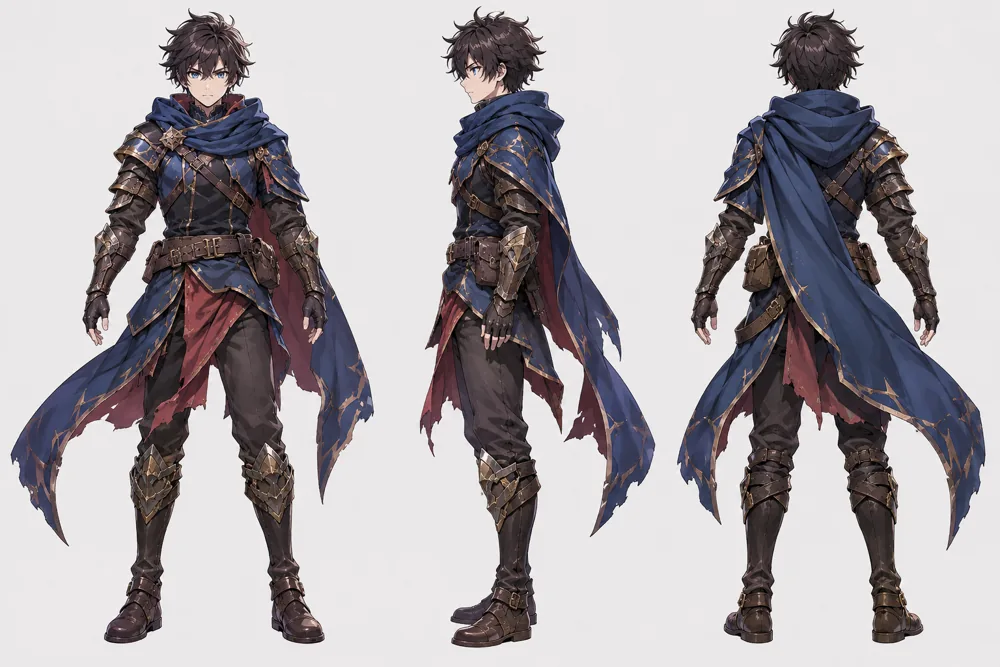
A clear image where the whole character is visible works best. Photos, illustrations, and anime art are all fine.
Press Generate
The description is already filled in, including what must stay the same. Edit it only if you want a variation.
Try a variation
Use Try an example to switch to a related version, or keep the character and move on to another template.
Prompt ideas for Fighting stance
A stance, then the strike
Start from the guard, then use Try an example for a punch, a kick, a crouch, or a landing. Generating two of them gives you a start and an end pose for Pose to Video.
Weapons and outfits
Whatever your character carries or wears in the upload is kept. To add a weapon, say so in the description.
Can my character hold a weapon?
If the weapon is in your upload it is normally kept. To add or change one, write it into the description.
Can I animate the fight?
Yes. Make two action poses of the same character, then open Pose to Video and use them as the start and end frames.
Is it free?
Your first image is free without signing up. Signed-in accounts get free credits every day, and each image costs 2 credits.
Is my uploaded image public?
Results are shown in the public gallery by default. Pro accounts can make their generations private.
Related makers
Move between focused generators when a reference needs more control.