New
Pose to Video
Pick a start pose and an end pose of the same character. PoseGen animates the motion between them.
Loading…
Example: two poses in, one clip out
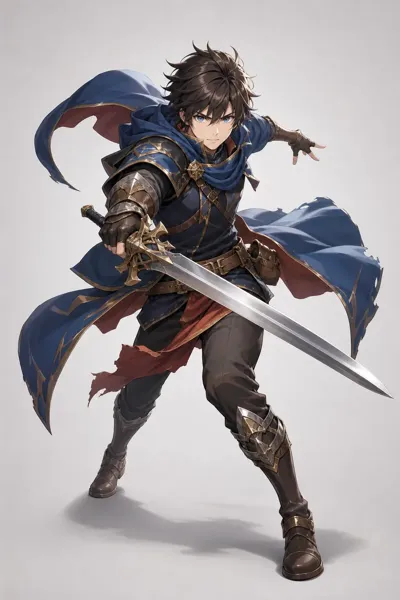
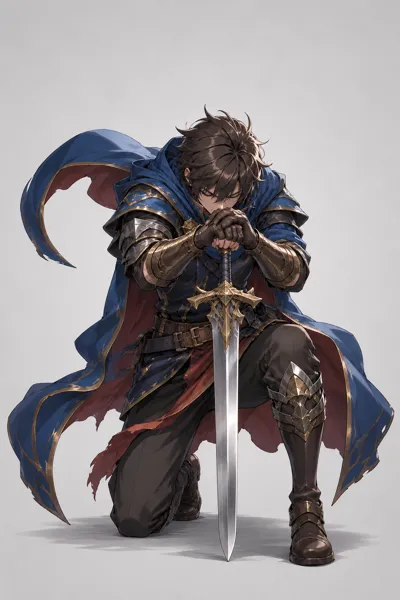
Pose to pose
Two images of the same character become the first and last frame. Because the clip has to land on your end pose, the face and outfit stay consistent all the way through.
Copy a motion Coming next
Give a character and a clip of a movement, and the character performs it. This is a real test result; the feature is not available yet.

How it works
- 1. Make two poses. Create your character, then use the pose changer to put the same character in a second pose.
- 2. Pick start and end. The start pose is the first frame. The end pose is optional, but it keeps the character on-model.
- 3. Describe the motion. Say what happens between the two poses and how the camera behaves.
Questions
- How much does a video cost?
- 10 credits per second, so a 4-second clip is 40 credits. If a video fails, the credits are returned.
- How long does it take?
- Usually two to four minutes. You can leave the page and come back.
- Can I use any image?
- Videos start from images you made in PoseGen, so the character and style are already yours.
- What size is the video?
- 1080p, in the same shape as your start image, without sound.