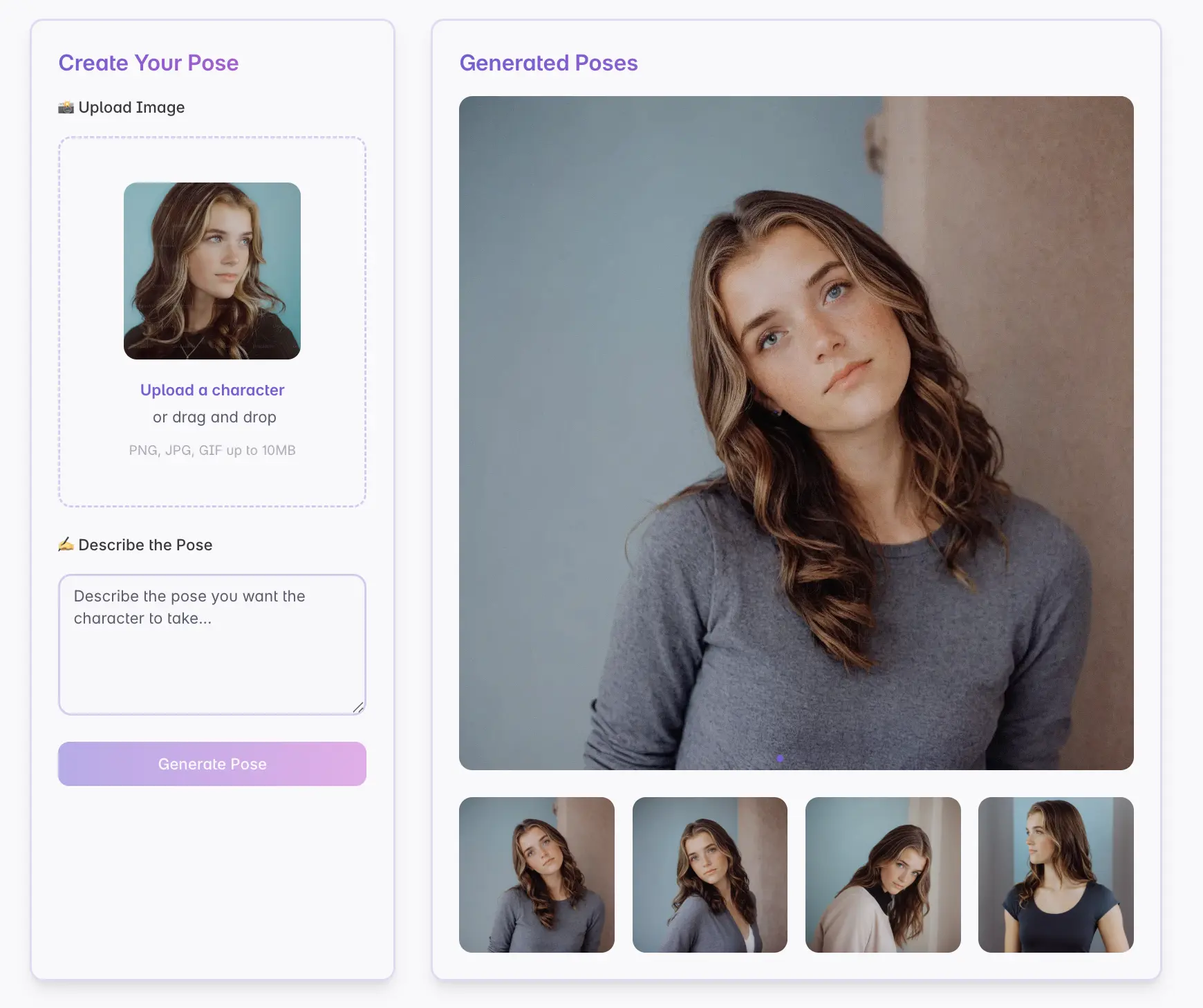

PoseGen vs PoseMy.Art vs Magic Poser
Artists use pose tools for different jobs. Some need a fast AI-generated reference. Some need a 3D mannequin they can rotate by hand. Some want a finished image that already carries style, lighting, and character energy.
This comparison focuses on workflow fit.
Quick comparison
| Tool | Best for | Main workflow |
|---|---|---|
| PoseGen | AI pose references from prompts, sketches, and uploaded images | Describe, draw, or upload, then generate |
| PoseMy.Art | Browsing and using pose reference assets | Search and reference existing poses |
| Magic Poser | Manual 3D mannequin posing | Pose a 3D model directly |
When PoseGen fits best
PoseGen is strongest when you want AI to create a new character pose quickly. It is useful for:
- anime and character pose references
- prompt-driven pose exploration
- turning a rough pose sketch into an image
- trying one free generation before signup
- reusing prompts from a gallery reference
Use PoseGen when speed and idea generation matter more than manually controlling every joint.
When PoseMy.Art fits best
PoseMy.Art is useful when you want to browse existing pose references. This can be a better fit if you prefer selecting from a library instead of generating a new image.
Use a reference library when you already know the pose category and want to compare many examples quickly.
When Magic Poser fits best
Magic Poser is a good fit when you want direct manual control over a 3D model. It is useful for precise camera angles, object placement, and joint-level posing.
Use a 3D poser when exact control matters more than style or speed.
Which should artists choose?
Choose PoseGen if you want a fast AI pose generator for character art. Choose a reference library if you want to browse finished pose examples. Choose a 3D posing app if you want to build the pose by hand.
Many artists use more than one workflow: generate ideas with PoseGen, browse pose references, then refine the final artwork manually.